Now Data Loader will show the Save and Schedule Session dialog. Here you can specify whether to save the session, and set the schedule interval for when this session should run.
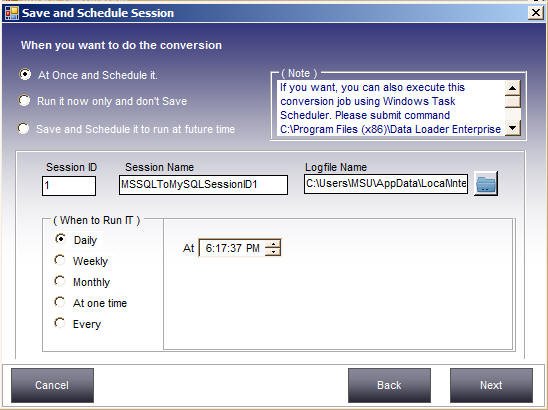
You can also specify a session name and a different log file name and destination. The destination folder for the log file needs write permission, otherwise a Windows security error will occur.
Note: instead of using Data Loader's own scheduler, you can also use Windows Task Scheduler to run the session at a specified interval. Visit our FAQ page for instructions.
After choosing your desired options, click Next.