Now you'll see a window to select the source MS Access database. Click Browse to select the Access MDB file, or type in the path and name, then click Load. You'll see a list of tables in that database — select the ones you want to convert to MySQL and click Next. For example, let's convert the Categories, Customers, Invoices, Order Details, Orders, and Shippers tables.
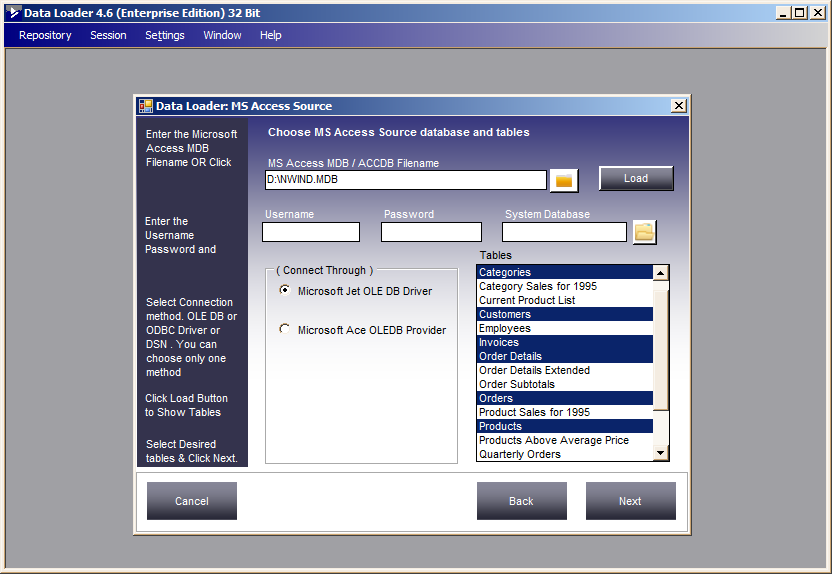
Select these tables from the list by clicking, then click Next.